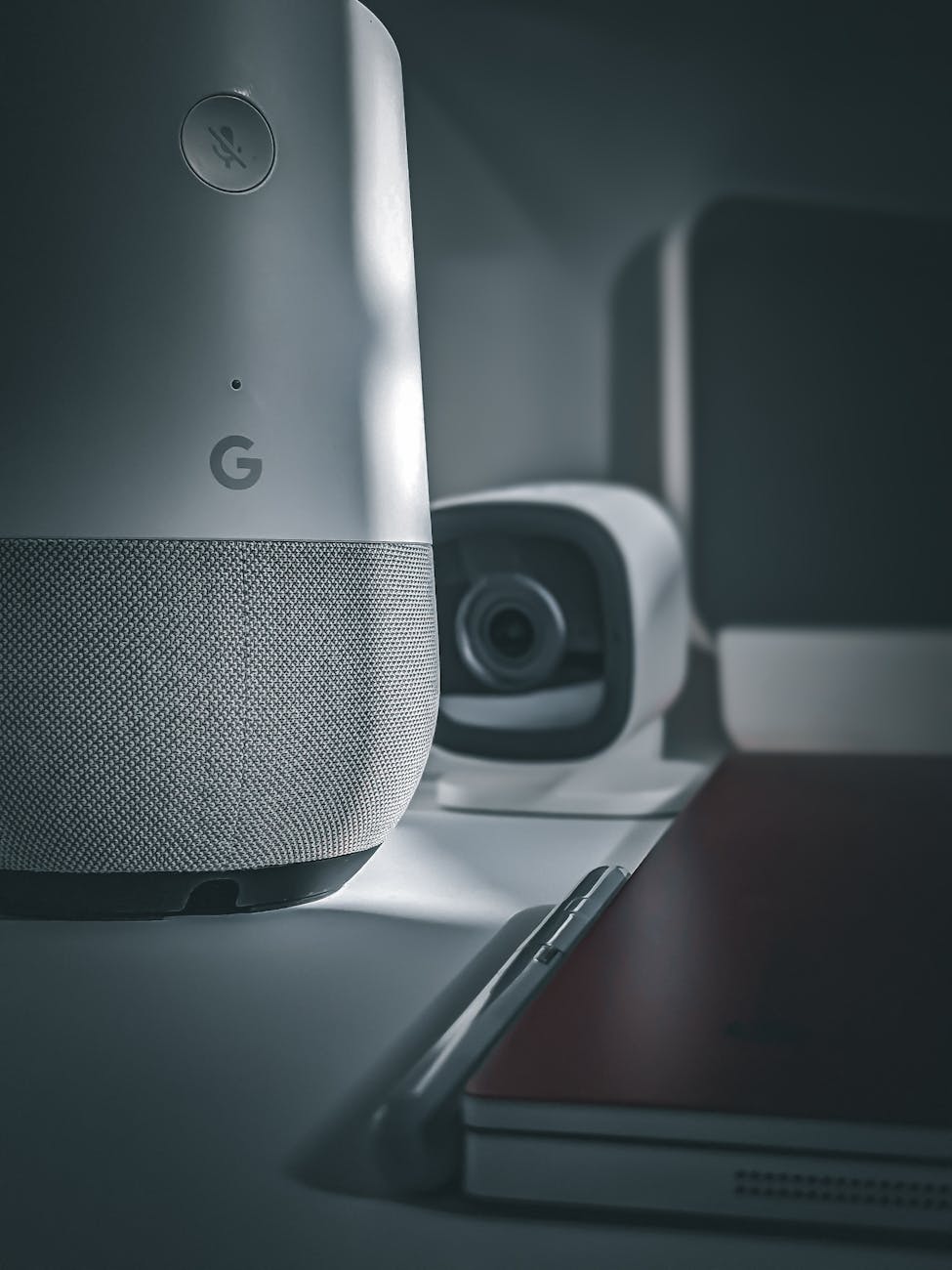

## Google Home App Version 4.8 Gains Smart Button Control

The latest update to the Google Home app, version 4.8, is rolling out now and brings with it a highly requested feature: support for physical smart buttons. These buttons, like the Flic 2 smart button, now integrate directly into the Google Home ecosystem, offering a tactile and convenient way to control your smart home devices and routines. This move signifies Google’s continued effort to enhance user experience and broaden the accessibility of smart home automation.
What Are Smart Buttons & Why Are They Useful?
Smart buttons are small, physical buttons that connect to your Wi-Fi network and can be programmed to perform a variety of actions. Unlike voice commands, which can sometimes be misunderstood or inconvenient to use in certain situations, a physical button press offers instant, reliable control. Here’s why smart buttons are gaining popularity: Accessibility: Ideal for individuals with disabilities or those who prefer a physical interaction. Convenience: Quick access to frequently used routines, like turning off all lights before bed. Reliability: Eliminates the potential for voice command misinterpretations. Discreet Control: Avoid speaking commands when quiet is preferred. Multi-Functionality: Can be programmed with multiple actions based on single, double, or long presses.
How Does Google Home App Version 4.8 Enable Smart Button Support?
Previously, integrating smart buttons with Google Home required workarounds, often involving IFTTT (If This Then That) or other third-party services. The new update streamlines this process considerably. Here’s what you can expect: 1. Compatibility: Initially, the integration focuses on the Flic 2 smart button, but Google has indicated plans to expand support to other compatible devices in the future. 2. Setup within the Google Home App: The setup process is now located within the Google Home app itself. You’ll find a new “Smart buttons” section under settings. 3. Action Assignment: You can assign various Google Home actions to a single button, including: Controlling individual devices (lights, thermostats, etc.) Running pre-defined Routines (e.g., “Good Night,” “Movie Time”) Adjusting media playback (play, pause, skip) 4. Customization: The app allows for customization of button icons and labels for easy identification. 5. Multiple Presses: Configure different actions for single, double, and long presses on the same button, maximizing functionality.
Setting Up Your Flic 2 Button with the Google Home App
The process is fairly straightforward once you’ve updated to version 4.8. Here’s a quick guide: 1. Update the Google Home App: Ensure you have the latest version from the Google Play Store or Apple App Store. 2. Pair Your Flic 2 Button: Follow the Flic 2 pairing instructions using the Flic app to connect the button to your Wi-Fi. 3. Open the Google Home App: Navigate to the “Devices” tab. 4. Add Accessory: Tap the “+” button, then select “Add accessory.” 5. Select Flic: Choose “Flic” from the list of compatible accessories. 6. Assign Actions: The app will guide you through assigning actions to single, double, and long presses. Select from devices and routines already set up in your Google Home.
Future Implications and Expected Developments
This integration is a significant step towards a more versatile and user-friendly smart home experience. The Google Home app’s support for smart buttons opens the door to numerous possibilities. Here are a few things we might see in the future: Wider Device Support: Expect compatibility to expand to other popular smart button brands. Advanced Routine Triggers: Possibility of using button presses to trigger more complex routines based on time of day, location, or other factors. Integration with Google Assistant: Deeper integration with Google Assistant features, such as broadcasts or reminders. Button Customization Options: More options for customizing button appearance and behavior. By embracing physical controls alongside voice commands, Google is catering to a wider range of user preferences and creating a more robust and accessible smart home ecosystem. The addition of smart button support to the Google Home app is a welcome development for smart home enthusiasts.

Comments are closed.